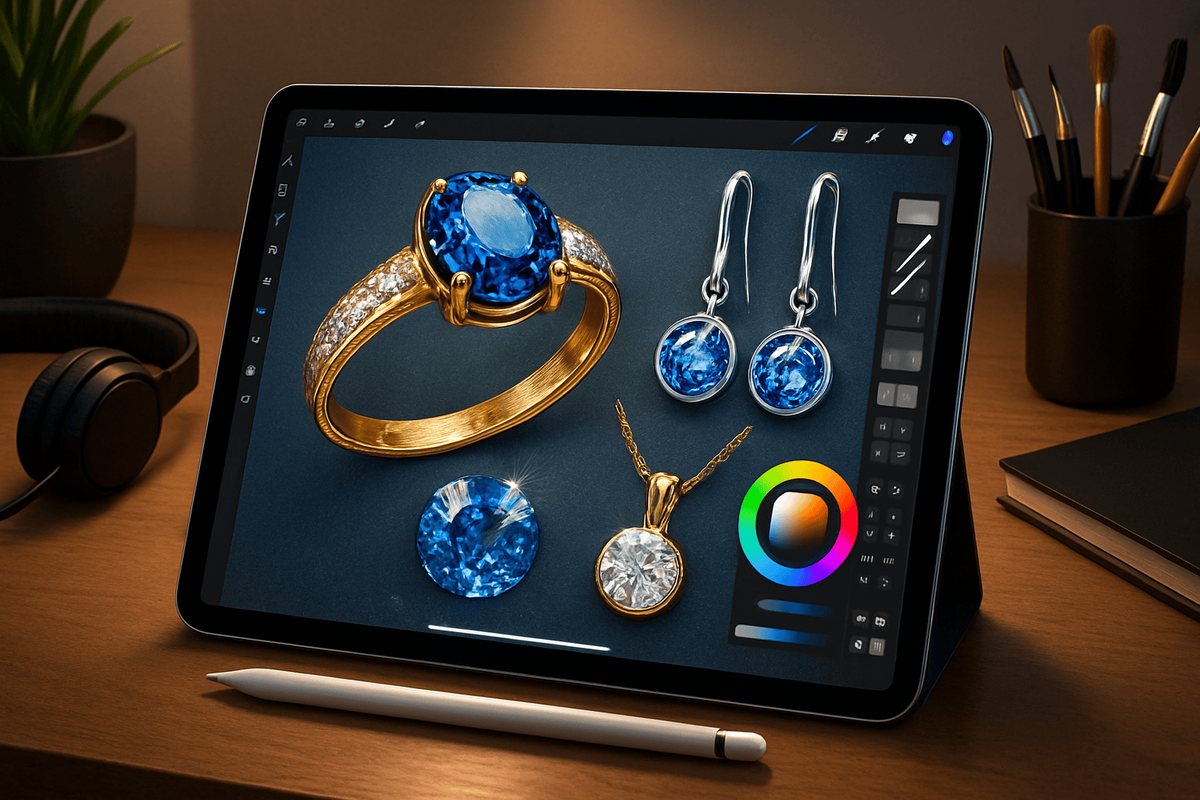
Yes. Procreate on an iPad is a proper tool for jewellery illustration and presentation, and many designers now sketch and render entirely on it. It does not replace CAD for files that go to the caster. It does replace the paper, the scanner and a lot of the colour work.
We get asked this most by people who already own an iPad, and by family jewellery businesses who want to show customers a design before anything is made. Both are good reasons.
What Procreate is good for
Showing a client the piece before it exists. That is the real job.
Line work for a pendant with a pave border, then the same design in yellow gold, rose gold and white gold, in minutes rather than a day of redrawing. Stones with realistic facets and light. A jhumka, a chandbali or a polki choker, with the prong or bezel setting drawn clearly enough for a karigar to read, rendered well enough for a customer to say yes to.
It is also fast for exploring. Duplicate a layer, change one detail, compare. On paper, that is a new drawing each time.
What it is not for
Production files. A Procreate drawing has no exact measurements, so it cannot go to a 3D printer or a caster. For that you need CAD such as Rhino or Matrix. Many of our students take Procreate for presentation and CAD for production, and use both.
What you need
An iPad and an Apple Pencil. The Procreate app is a one-time App Store purchase. That is it.
With our course you also get 700 customised brushes, plus a digital kit we share as PDFs: design inspiration and practice sheets. There is no physical kit for this course.
How our Procreate course works
Live online, with a mentor watching your screen. Not pre-recorded videos you work through alone. A maximum of 5 students in a batch, three classes a week, a dedicated doubt-clearing session, and recordings you keep for life.
It runs 2.5 months (30 hours). The fee is ₹23,500 inclusive of 18% GST, with EMI available. You finish with a certificate and a portfolio of your own illustrations. Students join from across India and from abroad. The course is mentored by Debolika Roy and founder-mentor Rayala Rahul Rao. The full syllabus is on the Procreate jewellery design course page.
Who it suits
Three kinds of people, mostly. Designers who draw on paper and want to work faster. Jewellery business owners who want to show customers designs on screen. And beginners who already own an iPad, though we usually suggest they learn drawing basics too. Our guide on whether to learn manual or CAD first explains why.
Frequently asked questions
Can I learn Procreate jewellery design with no drawing experience?
You can, but you will progress faster with some drawing basics. Talk to us and we will suggest where to start.
Which iPad do I need?
Any iPad that supports an Apple Pencil and runs Procreate.
Will I get a job with Procreate alone?
Procreate is a presentation skill. Many designers combine it with manual design or CAD. We offer placement and freelancing assistance once you finish.
See the full Procreate syllabus and student work.
EXPLORE THE PROCREATE COURSE