Rhino is where a drawing stops being a picture and becomes a file a factory can run.
That jump is harder than it sounds, because the model now has to survive metal. A prong tall enough to hold the stone and short enough to close over it. A shank that keeps its section where it meets the head. Wall thickness that will not collapse on the sprue. Get those wrong and the piece looks perfect on screen, then comes back from the caster as scrap and nobody can say quite why. That is why this course spends its opening weeks on 2D curves and the eleven basic stone shapes before you are allowed to build anything solid.
Rhino is the software package most Indian production houses hire for, which is why it is the CAD course we are asked about most. A 3D modeler who understands manufacturing tolerances builds files that pass directly to 3D printers and master mold casters without expensive trial-and-error re-works.
Phase one is the toolkit — 2D tools and curves, motifs, surfaces and solids, then prong, bezel, pave and channel setting. Phase two is where pieces start appearing: ear tops and bali, pendants through to tanmaniya, ring shanks, fancy and gents rings, a chain bracelet, tikkra churi. Phase three is necklaces. You finish by submitting a production portfolio rather than sitting a written exam. Students who finish here usually move on to KeyShot rendering or ZBrush sculpting.
| Class format | Live online, taught in real time — not pre-recorded video |
|---|---|
| Batch size | Maximum 5 students per batch |
| Schedule | 3 classes a week |
| Recordings | Every class recorded and yours to keep — lifetime access |
| Doubt clearing | Dedicated doubt-clearing session included |
| Total duration | 2.5 months |
| System Specs | Windows PC/Laptop (Intel i5/i7, 8GB-16GB RAM, NVIDIA GPU) |
| Included Support | 3D practice models, gem libraries & 3D printing prep guide |
| Fee | ₹11,000 + 18% GST (Total: ₹12,980). EMI available |
| On completion | Certificate, plus placement and freelancing assistance |
Designers who already draw well and keep being asked for a CAD file, anyone in a family workshop tired of outsourcing 3D modeling, and career-changers with no prior background. No prior CAD experience is assumed. Most people arrive here after manual designing; if you already draw, you can start at Rhino.
CAD here is headed by Naina Gupta, who has spent more than ten years between teaching and live client work. Sourav Paul came to us from nine years in jewellery manufacturing rather than from a classroom, and it shows in what he corrects — he will tell you a wall is too thin before the caster does. Neelam D. Ghosh also takes CAD training. The academy is led by Rayala Rahul Rao, a GIA Graduate Gemologist.
₹11,000 + 18% GST (Total: ₹12,980)
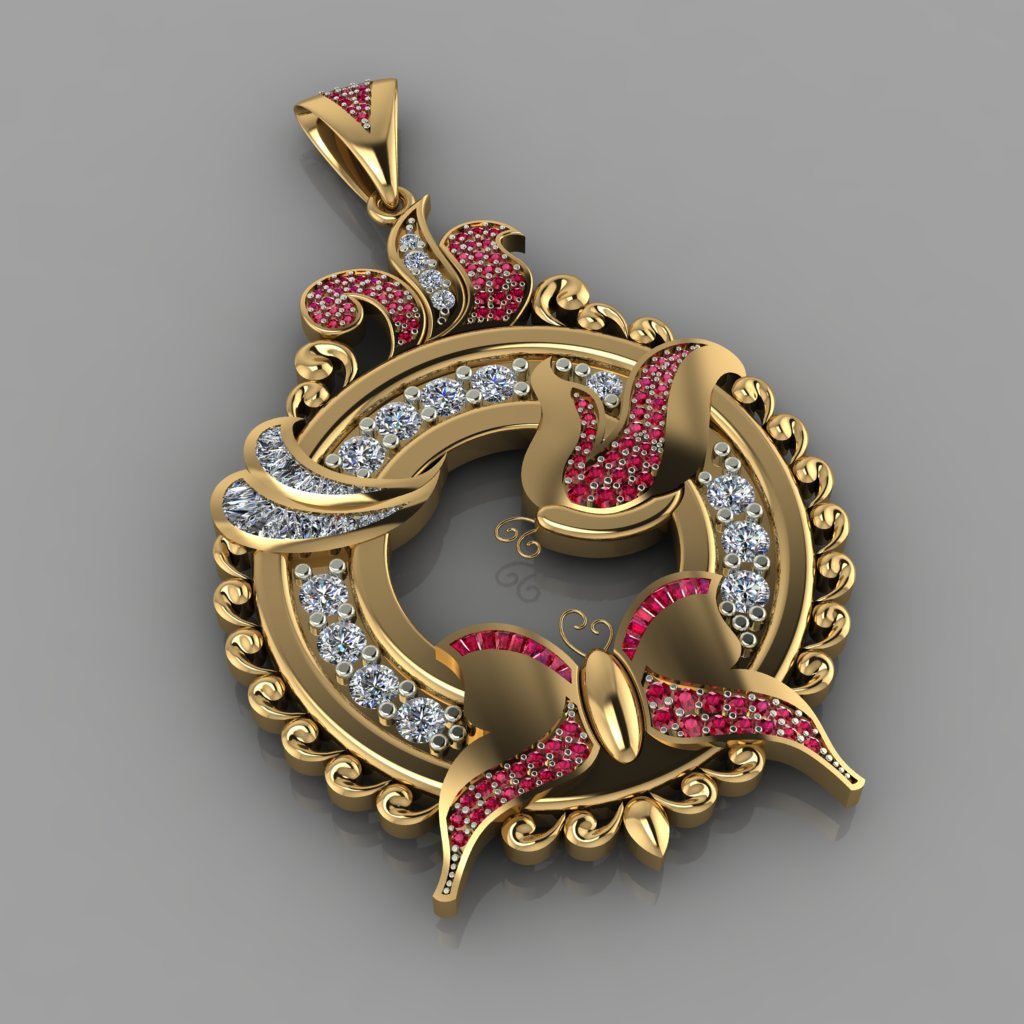

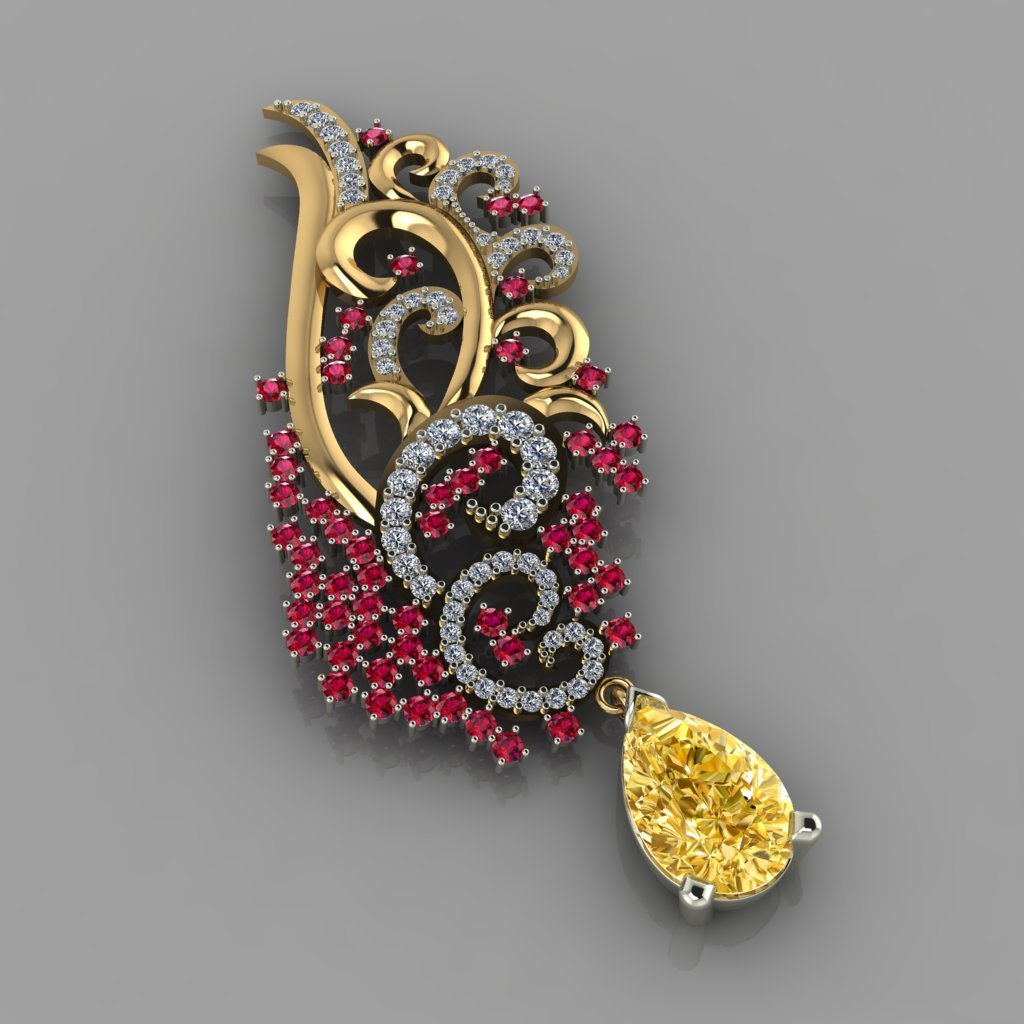
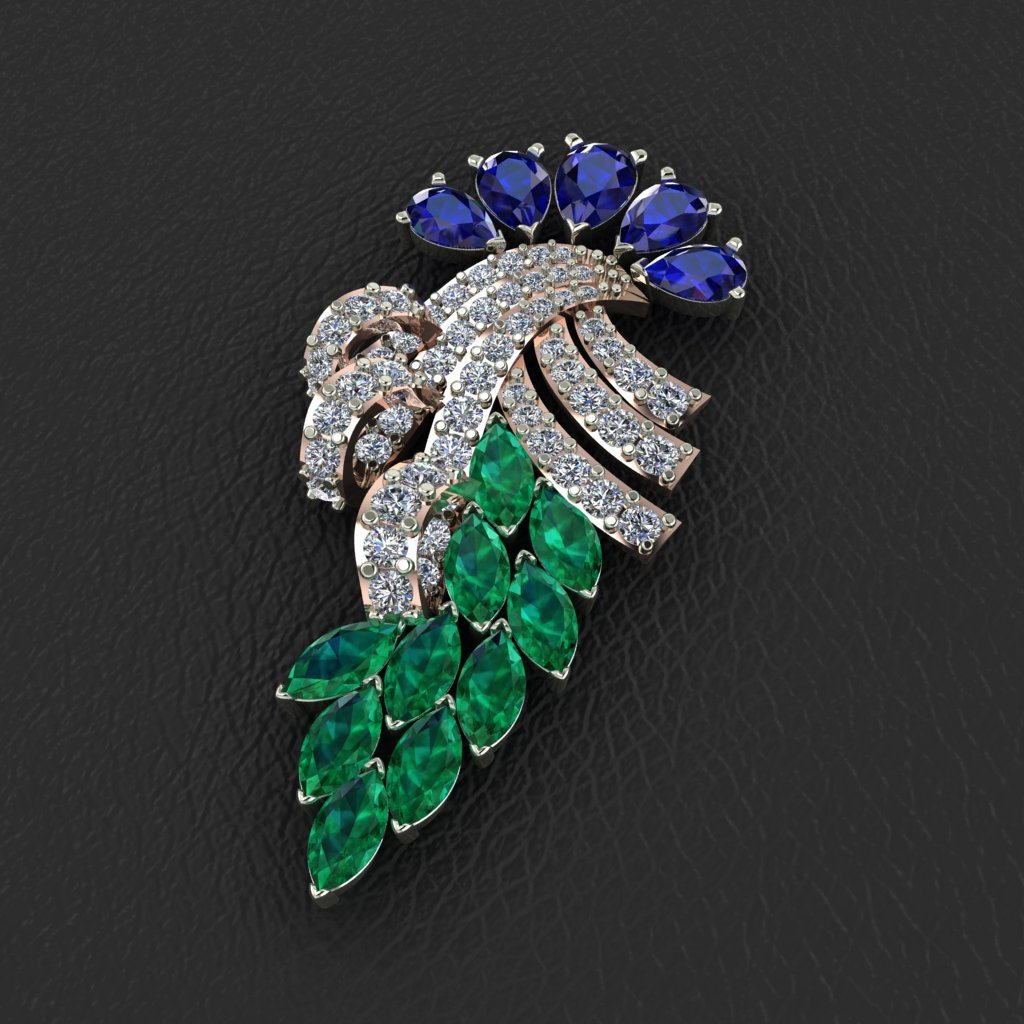
These are 3D CAD models and 2D curve exercises created in Rhino during class — step-by-step exercises on screen that build your modeling speed, precision, and production tolerances.
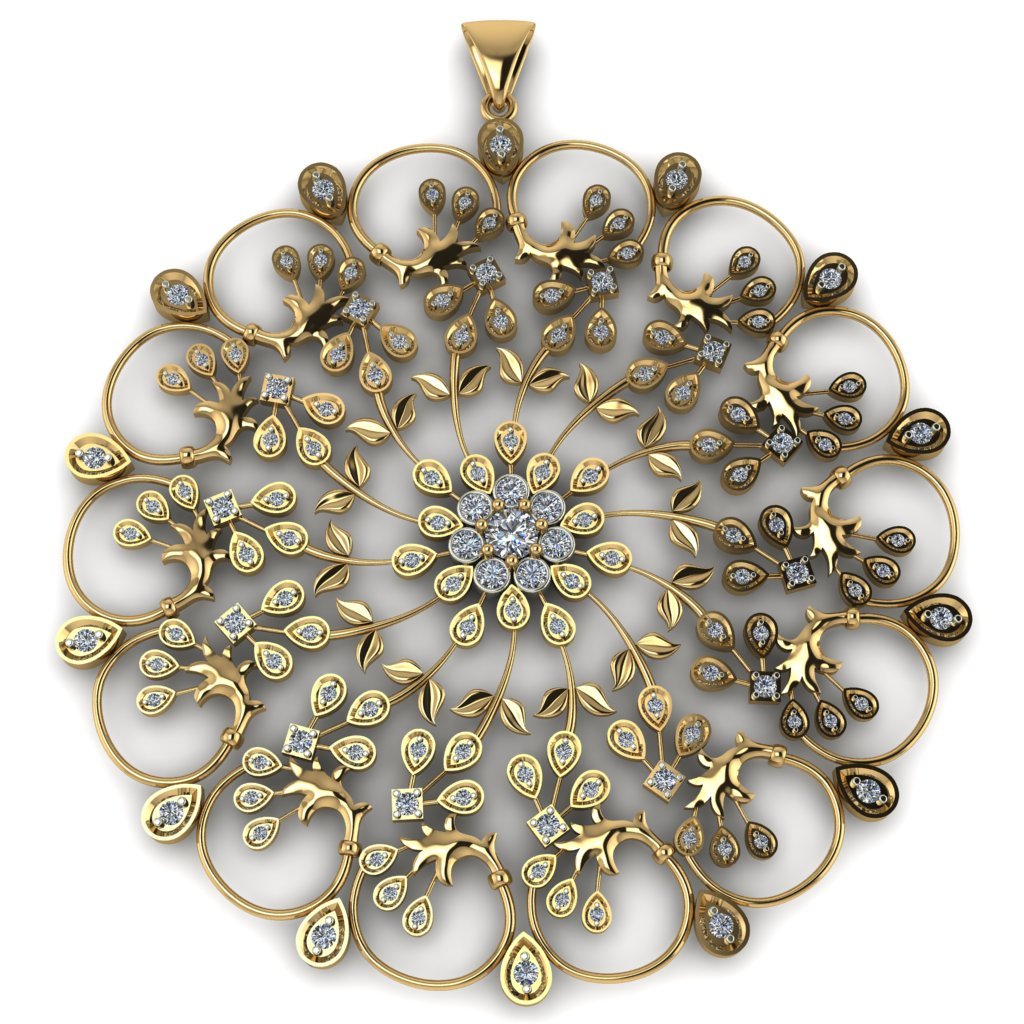
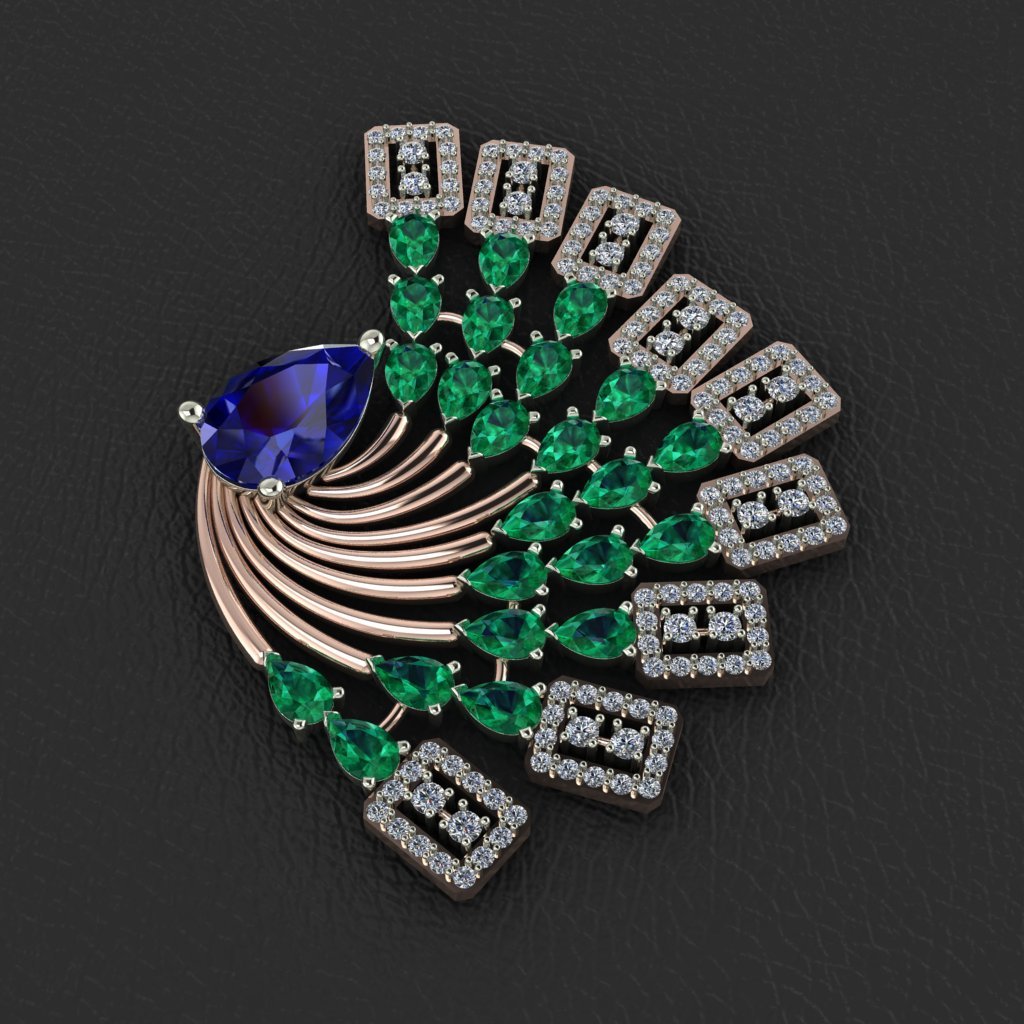
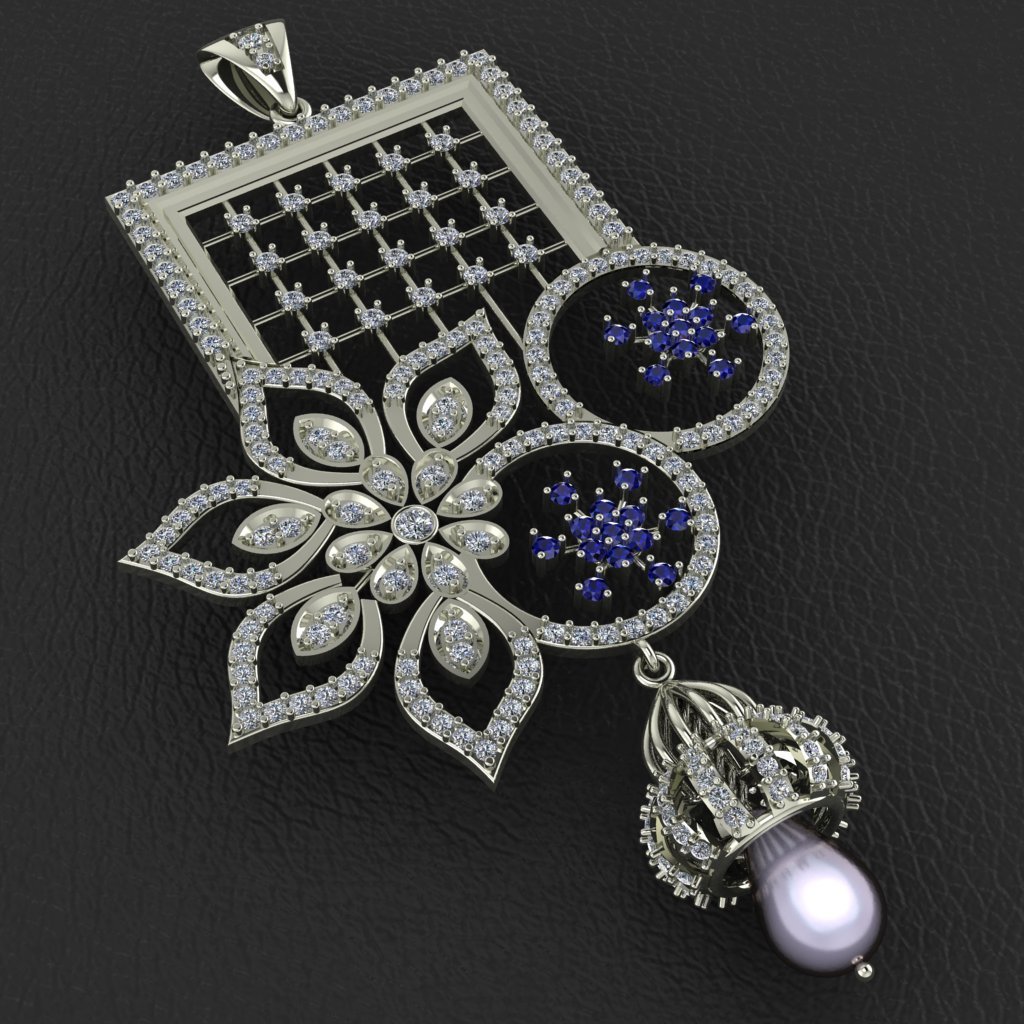
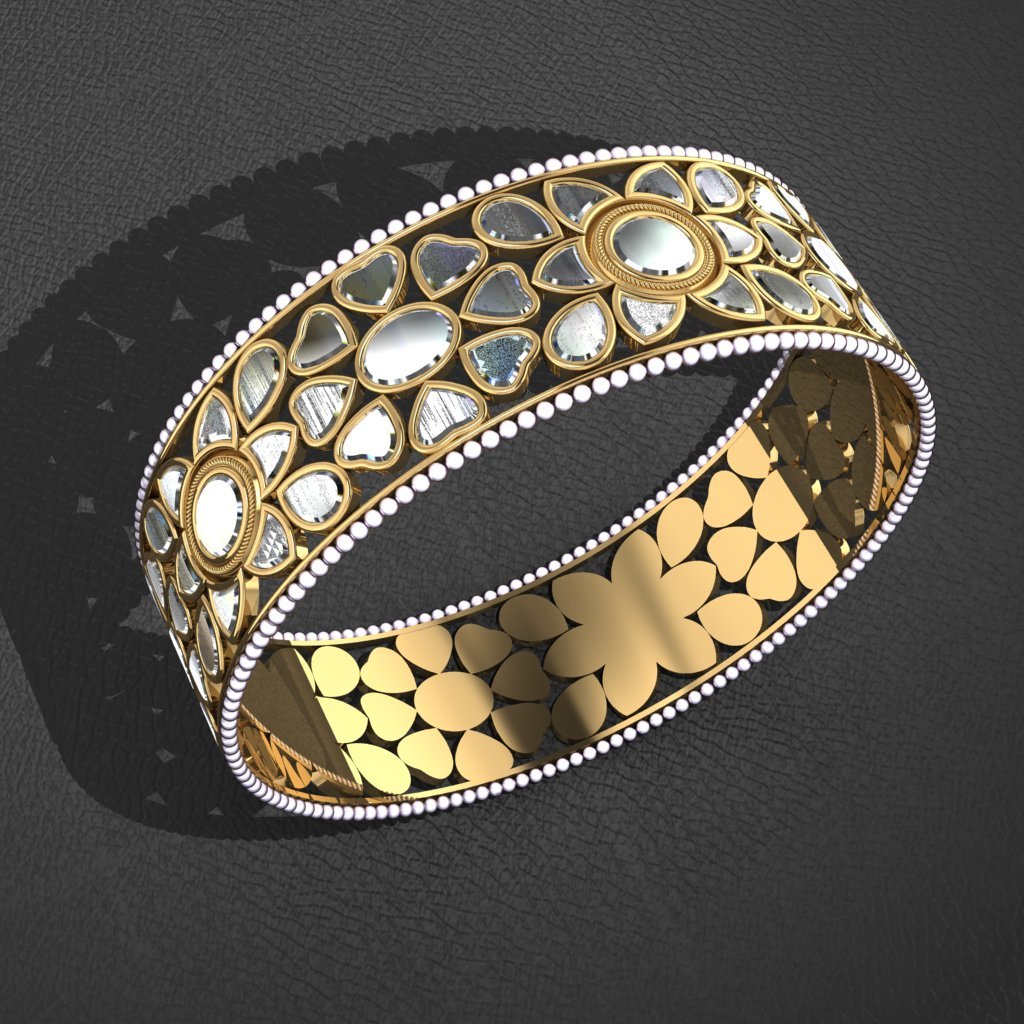
In Rhino 3D, precision is paramount. You learn to model to exact manufacturing tolerances—ensuring prongs securely grip gemstones without breaking during setting, and metal walls maintain structural integrity during casting.
3D CAD modeling eliminates guesswork for master craftsman. When you model a shank, bezel, or joint in Rhino, you learn how a production house will 3D print and cast it at the bench.
Master 3D printing file exports (STL/3DM) and production house CAD standards.
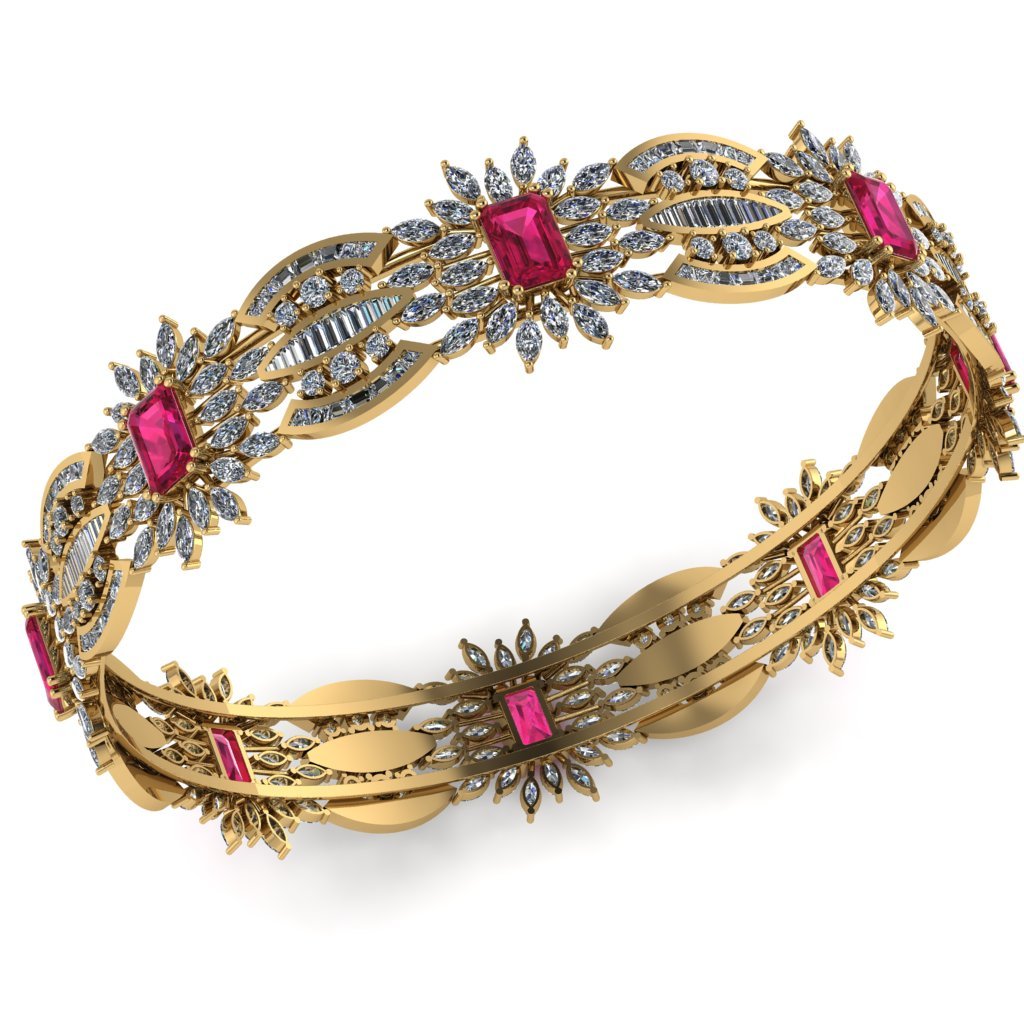
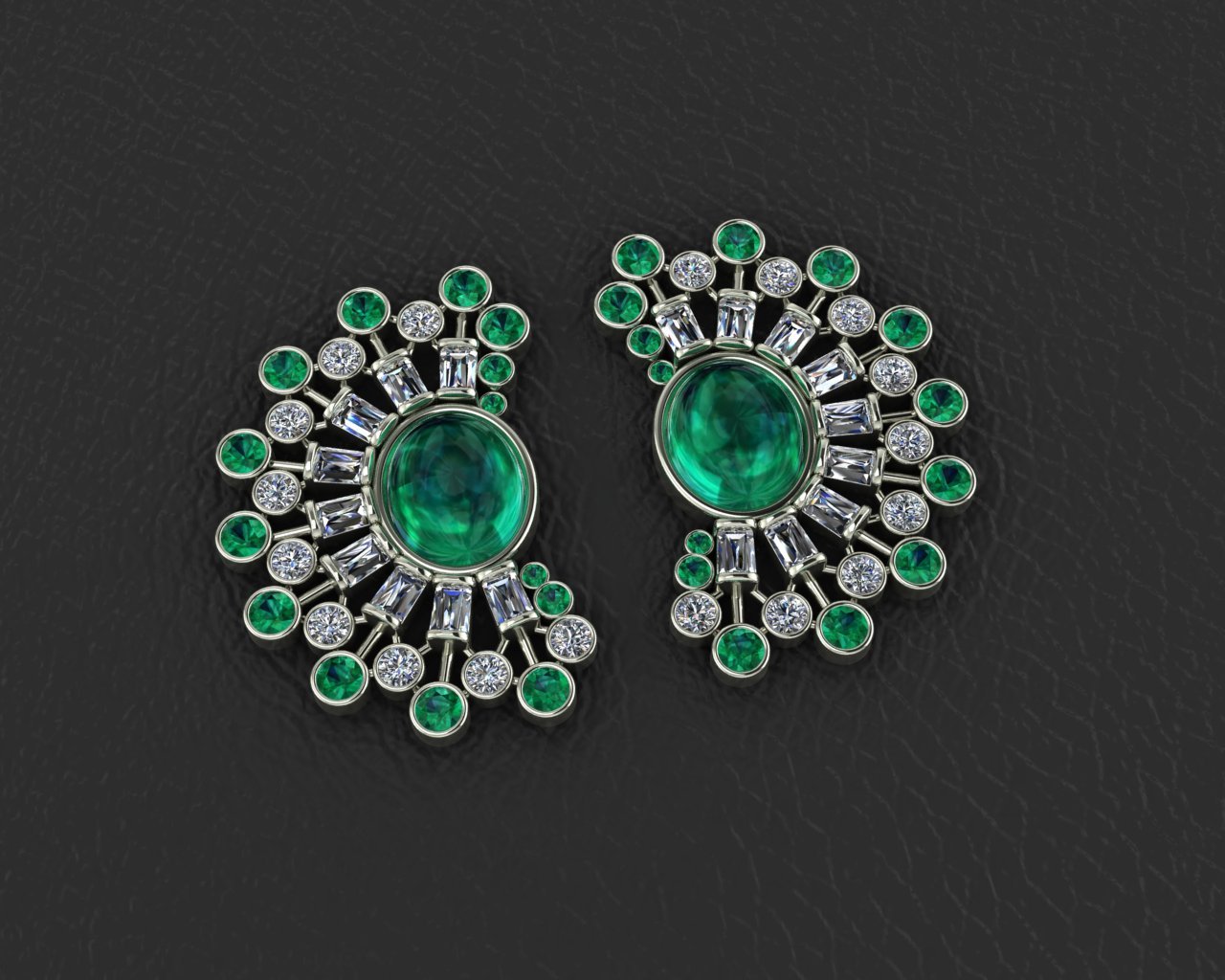
Every 3D CAD model below was created by R3 Jewel Academy students during their Rhino 3D training.
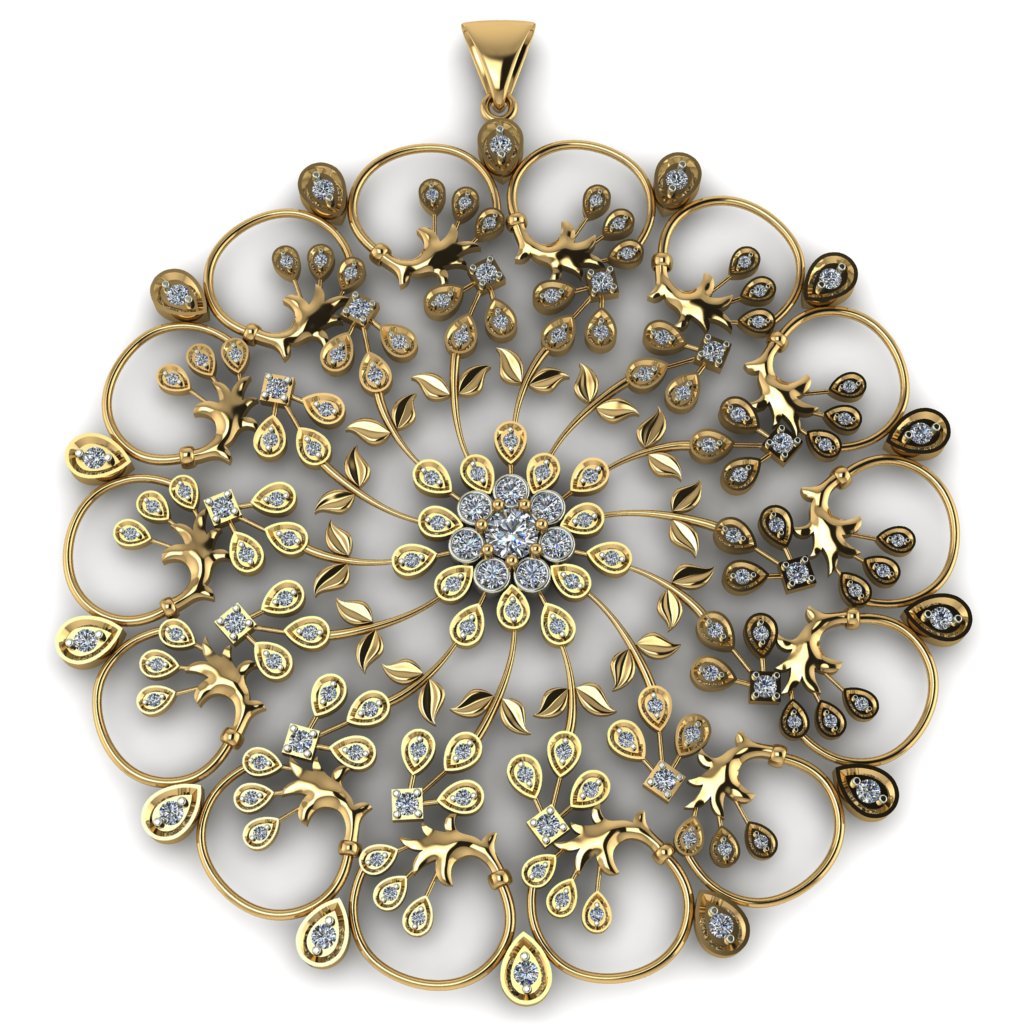
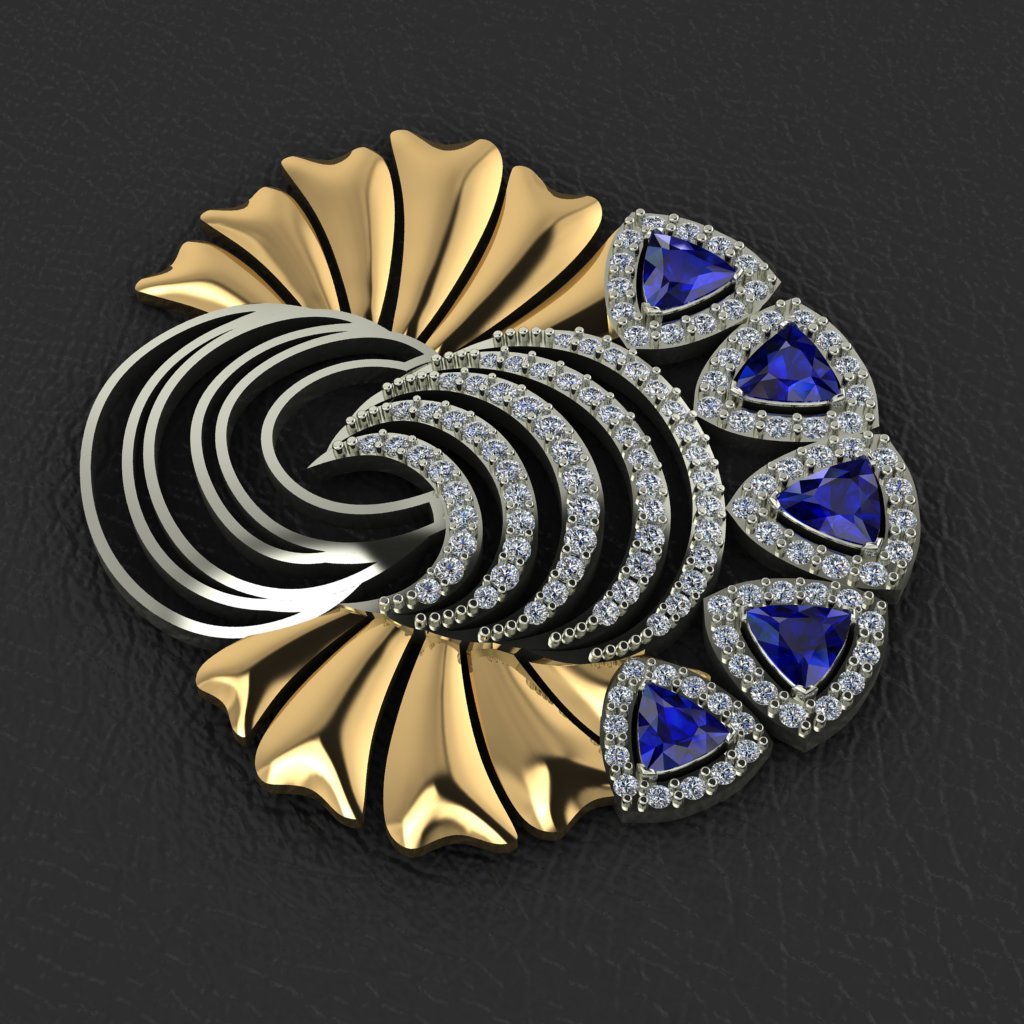
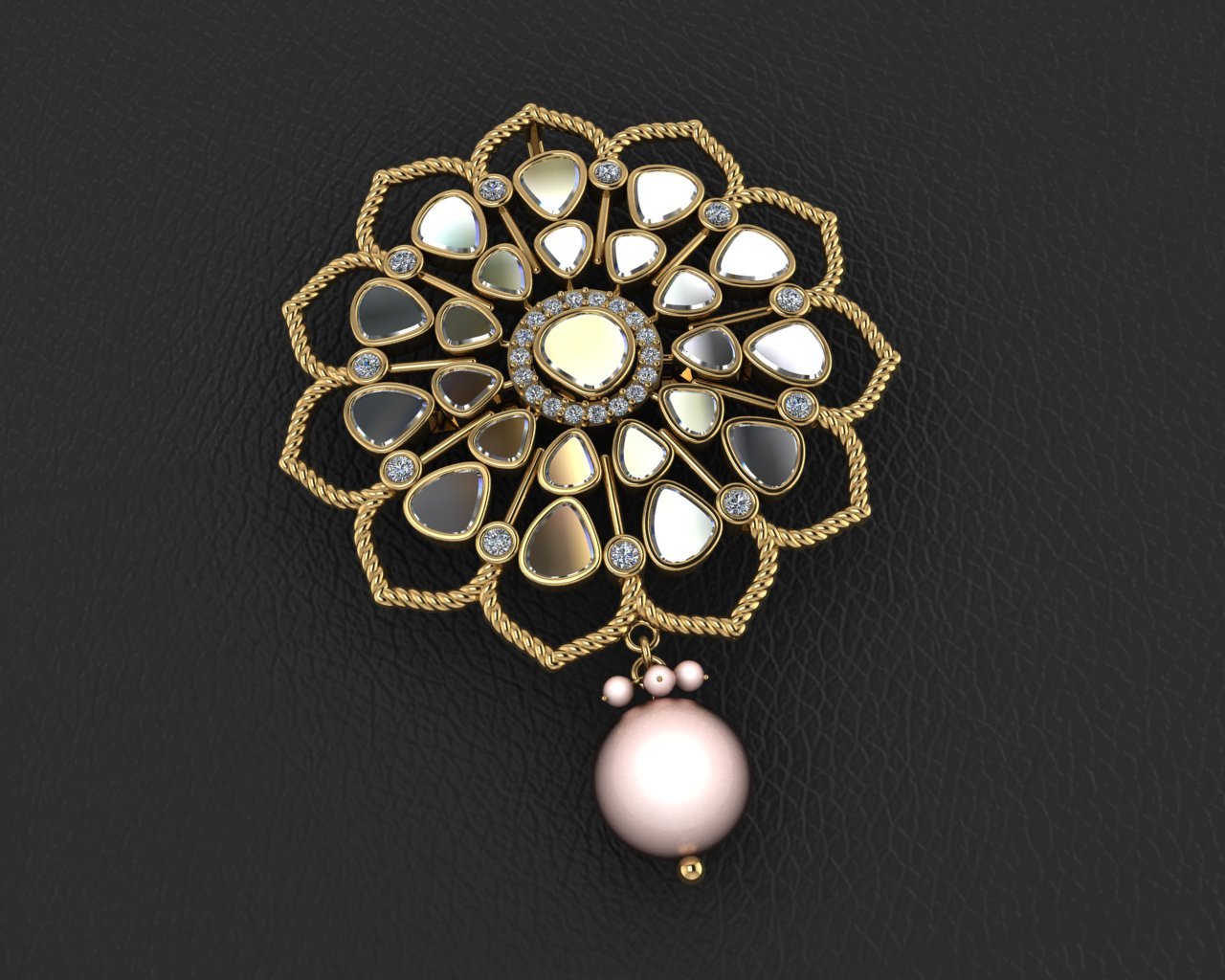
Everything you need to know about our Jewellery CAD Rhino 3D course
No prior CAD experience is required. The course starts from basic 2D curve drawing and stone shapes, guiding you step-by-step to advanced 3D solid modeling. With maximum 5 students to a batch, your instructor checks your screen live.
A Windows PC or laptop with an Intel i5/i7 processor, 8GB-16GB RAM, and a dedicated graphics card (NVIDIA recommended) will easily run Rhino 3D smoothly.
Yes, we provide full software installation guidance, practice 3D models, gem libraries, and recorded class backups for lifetime review.
You leave with a 3D CAD portfolio and a certificate, with placement and freelancing assistance. Graduates work as CAD designers in production houses, retail brands, or freelance. Many add KeyShot rendering or ZBrush sculpting afterwards.
Every session is recorded and stays yours to rewatch, with dedicated doubt-clearing sessions for any questions.
Copyright © 2020 R3 Jewel Academy